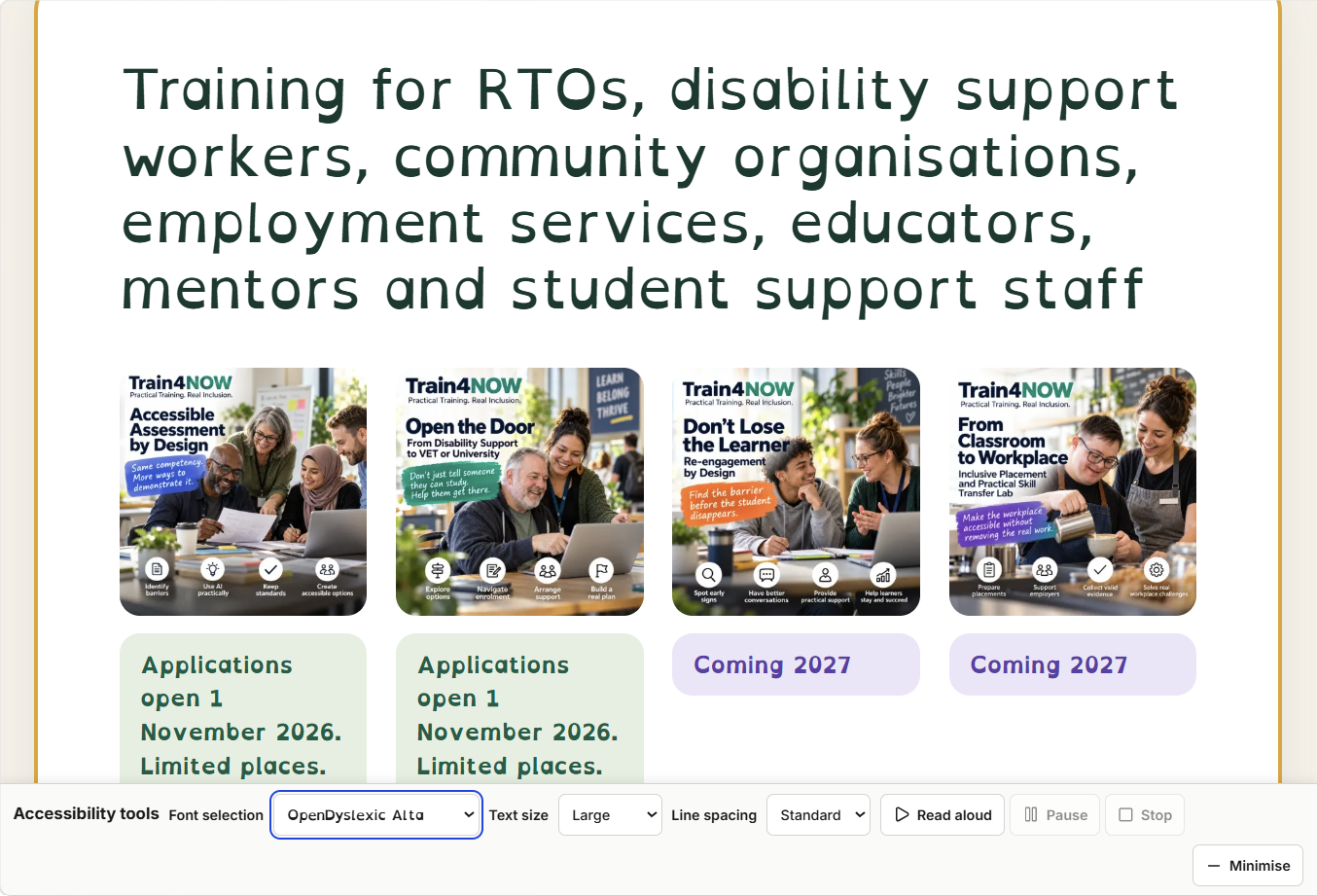
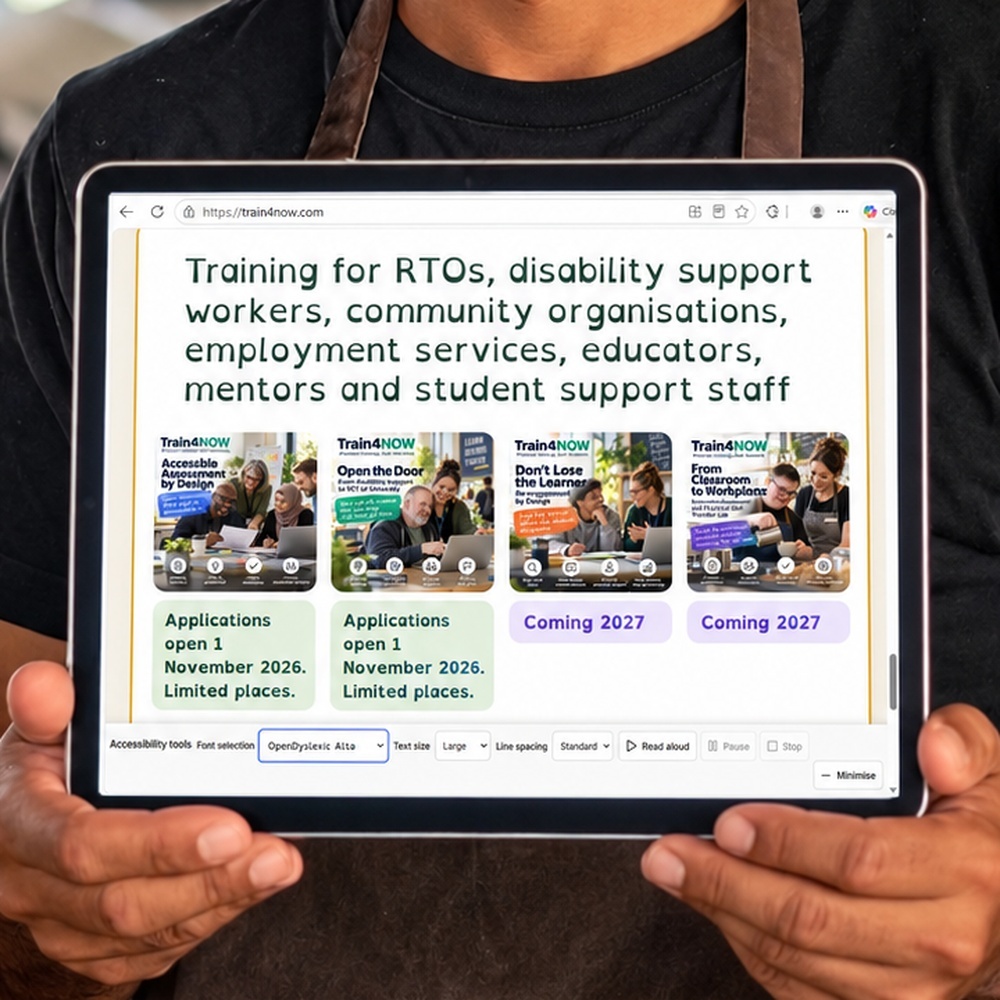
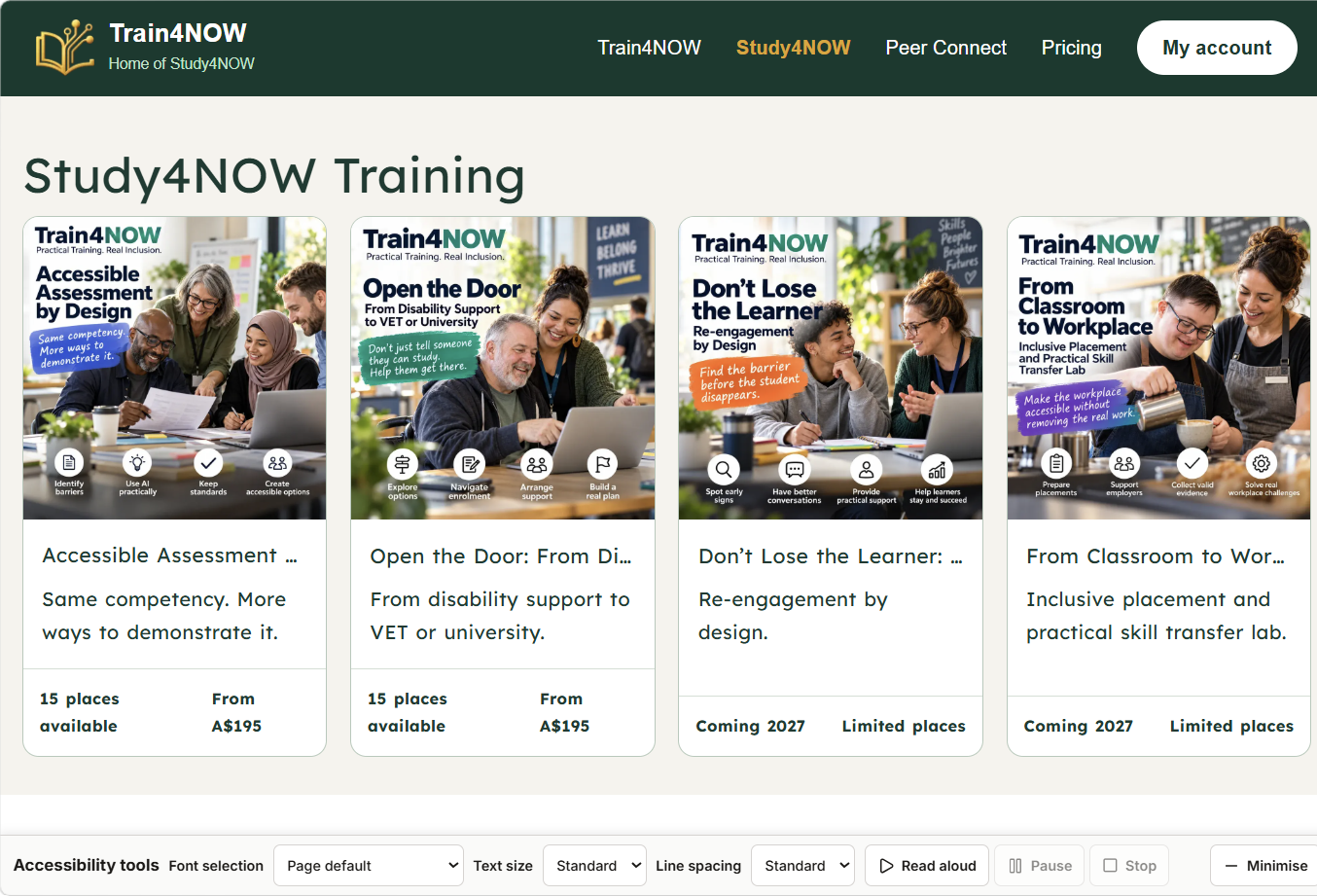
Accessibility tools

Access4NOW

Access4NOW

Add accessibility to your site

One line of code adds reading tools to any website. No coding needed.

Choose your path

Install it your way

Manual guide

Do it yourself

Prefer to paste it in yourself? Follow the short steps for your platform below.

  1. 1. Get Access4NOW
  2. 2. Get your free widget
  3. 3. The assistant asks
  4. 4. It checks your platform
  5. 5. It opens your site editor, with your permission
  6. 6. It finds the code spot
  7. 7. It adds your code
  8. 8. It saves and publishes your site
  9. 9. It checks it worked
  10. 10. You try it
See the ten steps
Recommended

Do it with the Access4NOW assistant

Tell the assistant your website and it walks you through it, or adds the code for you when you have it connected. Made for people who have never touched code.

Ask about assisted installation

New to this? The Access4NOW assistant is with you the whole way. If you get stuck, we help. A partner in support, not a manual to wade through.

Made for everyone

Easier to read, for every visitor.

Dyslexia

Friendly fonts and more spacing

Older or low vision

Bigger, clearer text

On the go or tired

Listen with read aloud

ADHD and focus

Calmer, simpler reading

A second language

Plain words and translation

Everyone else

A more comfortable read

Assistant-led installation

Ten simple steps, with help the whole way

Step 1

Get Access4NOW

  1. 1.Press Sign Up in the top corner.
  2. 2.Fill in your name, email and a password, then press Continue.
  3. 3.Check your email, enter the code we send, then press Continue.
  4. 4.You land on your dashboard.
  5. 5.Press the A4NOW button on your dashboard to open Access4NOW and copy your one line of code.
a. press Sign Up
b. fill in your details
c. enter the emailed code
d. press A4NOW to get your code

Step 2

Get your free widget

Access4NOW is free for your site.

Use the one line of code you copied from your dashboard in Step 1. The assistant will help you put it in the right place.

<script src="https://train4now.com/a4now.js" data-position="bottom-right" data-autoopen="true"></script>

Step 3

The assistant asks

A4NOW Assist asks you a few simple questions, one at a time. You just answer.

A4NOW Assist
What is your website address?

One question at a time

You are never stuck

Need something the assistant does not cover? No barriers. Send a message and Darryl will be in touch within 24 hours.

Send a message

Steps 4 to 8

The assistant does the rest

You answer a couple of simple questions, and A4NOW Assist handles the rest on your site, for you.

  1. 4. Asks which platform your site uses.
  2. 5. Finds where the code goes.
  3. 6. Adds your one line of code.
  4. 7. Saves and publishes your site.
  5. 8. Confirms the button is live.

Stuck or need something else? Send a message and Darryl replies within 24 hours.

Step 9

You test it

  1. 1.Open your website.
  2. 2.Find the A4NOW button in the corner.
  3. 3.Press it to open the tools.
  4. 4.Press read aloud, and make the text bigger.

Step 10

Check it helps

  • You hear the page read out loud.
  • The text is bigger and easier to read.
  • It works for you, and for your visitors.

That is it. You are done.

Stuck or need something else? Send a message and Darryl replies within 24 hours.

Your platform, your exact code spot

The steps show the exact spot for each platform.

  • WordPress
  • Wix
  • Squarespace
  • Shopify
  • Other

Your one line

Copy the embed line

<script src="https://train4now.com/a4now.js" data-position="bottom-right" data-autoopen="true"></script>

Install check

Check Access4NOW on your site

We visit your page and confirm the tools are working.

Helpful support, honestly described

Access4NOW is an assistive aid that helps real readers use website content in ways that suit them. It does not claim that a website meets every legal or accessibility requirement. Good accessibility also depends on the content, structure, design, and ongoing care of the website.